Zero-Waste Context: Querying APEX Dependencies with Graphify 🎯⚡
Part 4 of the "AI-Augmented APEX Developer" Series.
⚡ The Quick TL;DR
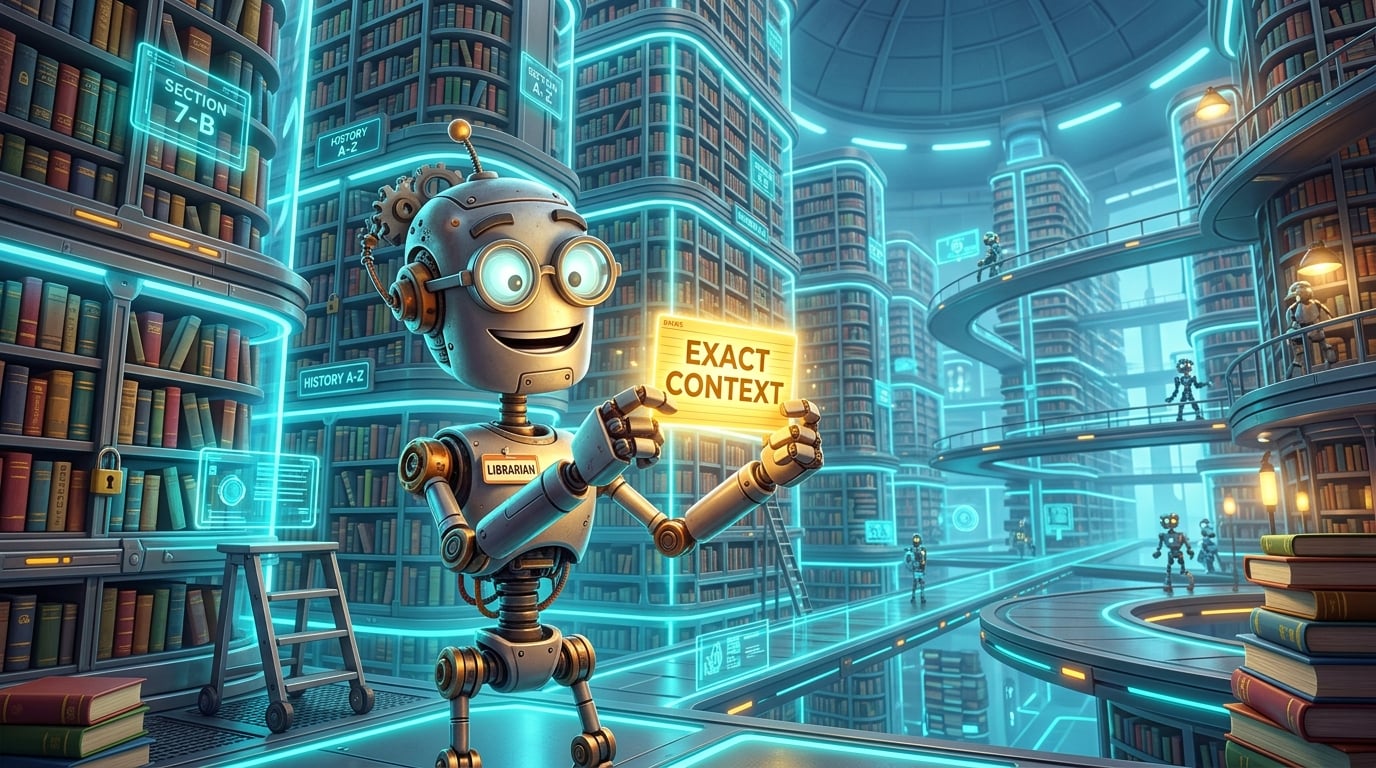
When you visit a university research library to research Roman pottery, you don't want the librarian to wheel twenty heavy carts filled with 500 books onto your desk. You want the single index card that tells you: “Aisle 4, Shelf B, Book 12.”
When coding with AI assistants, dragging entire directories or multiple package bodies into your prompt context is the digital equivalent of dumping 20 book carts on your desk. It clutters the model's memory, balloons your token invoice, and causes subtle bugs.
With Graphify (or any structured dependency graph CLI), your agent queries the architectural graph directly—extracting the exact 10-node subgraph it needs in under 25 milliseconds. Here is how zero-waste context engineering works in practice.
📚 The Book Cart Dilemma: The Cost of Blind Grepping
Consider what happens in a typical AI pair-programming session without a knowledge graph:
You prompt your AI assistant:
"When the customer clicks 'Submit Order' on Page 12, where does the discount coupon get validated, and what tables are updated?"
Watch the AI struggle without an architectural map:
The Brute-Force Grep: The agent runs
grep -rn "DISCOUNT" .across your entire repository.The Haystack of False Positives: It matches 142 lines across 28 files: deprecated migration scripts, old bug comments, schema test mocks, and unrelated billing tables.
The Token Dump: The agent reads 10 of these files into its context window, burning 35,000 tokens before writing a single line of code.
The Hallucinated Conclusion: Overwhelmed by stale comments, the model incorrectly assumes the discount is handled by a client-side JavaScript dynamic action, missing the actual database package call entirely!
Now let's compare that to an agent equipped with graph querying tools:
graphify path "BTN_SUBMIT_ORDER" "ORDERS"
In 18 milliseconds, the graph returns:
Path Found (4 hops):
[Button: BTN_SUBMIT_ORDER]
  └── triggers ──> [Process: PROC_SAVE_ORDER]
        └── calls ──> [Package: PKG_CHECKOUT.PROCESS_ORDER]
              └── writes ──> [Table: ORDERS]
The agent now has 100% verified ground truth in exactly 42 tokens. No fluff, no false positives, and zero guesswork.
🎯 The Three Essential Graph Query Patterns
When developing or debugging Oracle APEX applications, an AI coding agent needs three primary types of architectural visibility:
1. Neighborhood Discovery (graphify query)
When an agent is tasked with modifying a page, it doesn't need to know about the other 79 pages in the system. It only needs to understand the immediate hierarchy of the target component:
graphify query "Page_12" --depth 1
Result:
- Page_12 (page: "Order Checkout")
  ├── Region_CustomerInfo (region)
  │   ├── P12_CUSTOMER_NAME (item: text)
  │   └── P12_CUSTOMER_EMAIL (item: email)
  └── Region_CartSummary (region)
      ├── P12_CART_TOTAL (item: number)
      ├── BTN_APPLY_DISCOUNT (button) ──[TRIGGERS]──> PROC_APPLY_PROMO
      └── BTN_SUBMIT_ORDER (button)   ──[TRIGGERS]──> PROC_SAVE_ORDER
In fewer than 80 tokens, the agent learns:
Which regions exist on the page.
Which items belong to each region.
Which buttons trigger which backend processes.
2. Cross-Layer Flow Tracing (graphify path)
In enterprise APEX, UI clicks trigger page processes, which call PL/SQL package APIs, which write to underlying database tables.
When you need to know how data flows from the browser screen to persistent storage, graphify path reveals the exact chain of custody:
graphify path "BTN_APPLY_DISCOUNT" "DISCOUNT_LOGS"
Path Found:
[BTN_APPLY_DISCOUNT]
  ──[TRIGGERS]──> [PROC_APPLY_PROMO]
  ──[CALLS]──> [PKG_PROMO.VALIDATE_CODE]
  ──[WRITES]──> [DISCOUNT_LOGS]
The agent immediately sees that PKG_PROMO.VALIDATE_CODE logs promotion attempts to DISCOUNT_LOGS. It doesn't need to guess, search, or ask you where logging happens.
3. Blast Radius & Impact Analysis (graphify callers)
The scariest moment in database development is altering a table or modifying a shared PL/SQL package signature:
"If I change the signature of
PKG_CUSTOMER_API.GET_BALANCE, what will break?"
Without a graph, you either run tedious dependency queries against ALL_DEPENDENCIES in the database or risk breaking a page in production. With Graphify, the agent runs:
graphify callers "PKG_CUSTOMER_API.GET_BALANCE"
Callers of PKG_CUSTOMER_API.GET_BALANCE:
├── Page 04 (Customer Dashboard) ──> Region_BalanceSummary
├── Page 12 (Order Checkout)      ──> Process_CheckCreditLimit
└── Package PKG_INVOICING.GENERATE_MONTHLY
Within seconds, the agent produces a complete impact report and knows exactly which pages must be tested before deploying the change!
⚡ Real-World Benchmarks: With Graph vs. Without Graph
Here is how a real-world refactoring task performs with and without graph-guided context:
| Metric | Traditional Brute-Force Grep | Graph-Guided Querying | Difference |
|---|---|---|---|
| Files Read into Prompt | 8 – 15 files | 1 targeted file + graph snippet | 85% fewer files |
| Input Tokens Used | 28,000 – 45,000 tokens | 650 – 1,200 tokens | 97% token reduction |
| Execution Time | 35 – 50 seconds | 3 – 5 seconds | 10x faster |
| Accuracy of Proposed Code | ~65% (hallucinated column names) | ~98% (verified AST relationships) | Production-ready |
🛠️ How to Add Dependency Querying to Your Workflow
You can adopt zero-waste dependency querying in your own projects regardless of your tech stack:
Lightweight Python CLI: You can write a concise Python script (~60 lines) that loads your AST graph (saved as JSON, NetworkX graph, or SQLite tables) and provides simple CLI flags:
--query,--path, and--callers.Expose as Agent Tools: If you use modern AI coding tools (like Cursor, Claude Desktop, Antigravity, or custom MCP servers), register these graph commands as executable agent tools. When the agent needs context, it automatically invokes the CLI instead of reading entire directories!
Keep Context Payloads Under 1,000 Tokens: Always instruct your AI agent to run graph queries first to identify the minimal set of files needed for the task before reading source files into memory.
[!TIP]
📦 Want Pre-Configured Graph CLI Tools?
If you'd like a ready-to-use setup with CLI graph commands pre-wired into your developer terminal and AI agent configs, check out the open-source APEX Project Template.
It includes Graphify integration out of the box with predefined bash aliases and agent instructions. You can clone the template or simply study its scripts to implement the same workflow in your existing repos!
🚀 Coming Up Next: Part 5
Now that our agent can navigate application dependencies with surgical precision, another critical question arises:
Where is the AI allowed to write code, and where is it strictly forbidden from touching?
Left unchecked in a flat directory, an enthusiastic AI agent might accidentally overwrite your pristine database DDL dumps, modify past migration scripts, or commit disposable scratch files into Git.
In Part 5 ("The Cleanroom Split: Why Your Code, Mirror, and AI Staging Must Never Mix"), we will explore the 4-folder cleanroom boundary that keeps your production mirrors safe and your development completely stress-free!
See you in Part 5! 🧼