The Two-Key Missile Launch: Foolproof SQLcl Deployment Guards 🔑🚀
Part 7 (Grand Finale) of the "AI-Augmented APEX Developer" Series.
⚡ The Quick TL;DR
Handing an AI coding assistant or automated script an all-powerful DBA database connection is like handing a toddler a roaring chainsaw and asking them to trim your garden roses. One misinterpretation, and your production schema is pruned down to bedrock.
In this series finale, we look at how to build an impermeable safety net by combining three role-isolated SQLcl connections with pre-execution environment assertions.
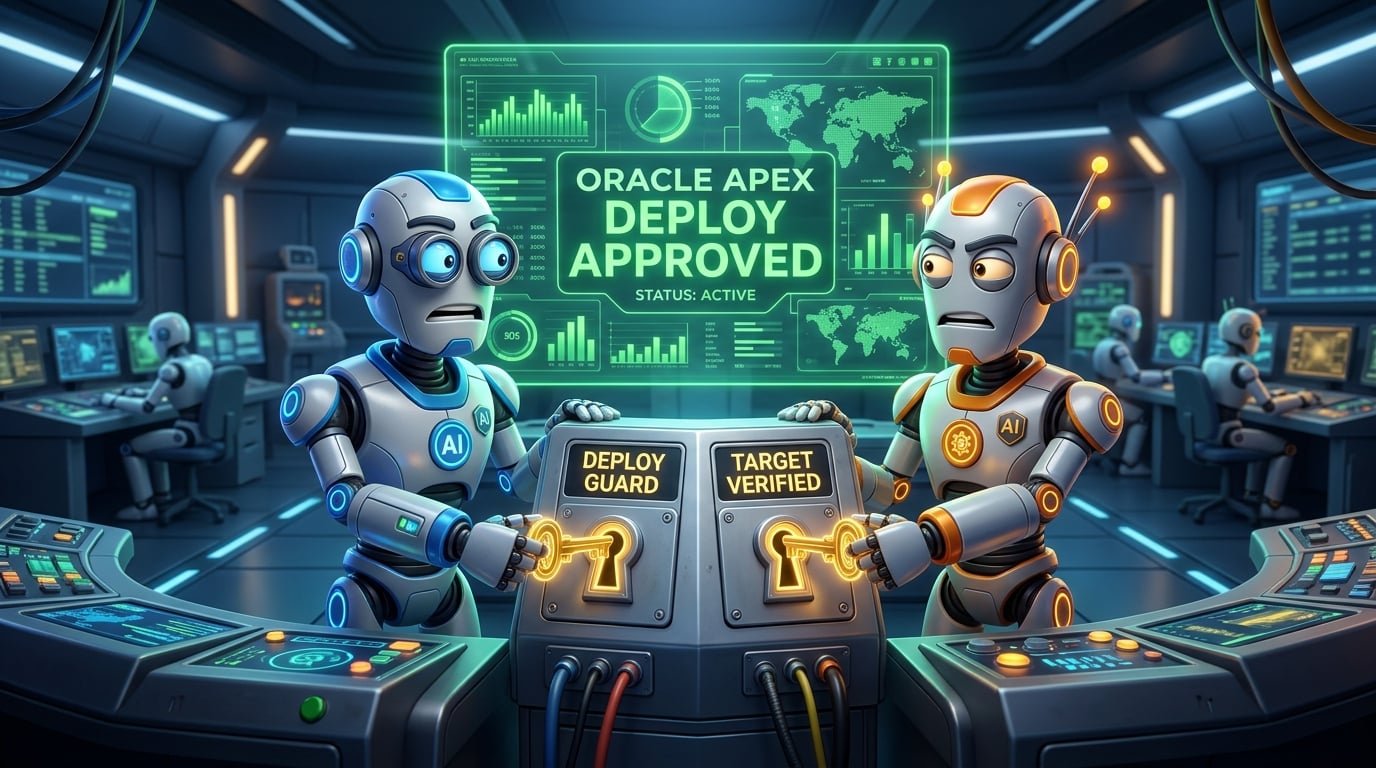
Inspired by the dual-key launch consoles found on naval submarines, this fail-safe architecture ensures that neither an autonomous AI agent nor a tired late-night developer can ever deploy code to the wrong database schema.
💥 The Chainsaw Dilemma: Privilege in the Age of AI
In traditional database development, teams frequently cut corners with credentials. A developer might connect to Oracle using a single powerful account (often a schema owner or a user with elevated DBA privileges) for everything:
Querying table statistics on Monday morning.
Testing a quick
SELECTquery in the afternoon.Running experimental
ALTER TABLEstatements on Wednesday.Deploying emergency hotfixes on Friday night.
If a human makes a mistake with a privileged connection, they might accidentally drop a table in the wrong schema.
Now, introduce an autonomous AI agent that generates and runs code at 100 lines per second. If that agent operates under an unrestricted DBA connection and hallucinates a DROP TABLE ORDERS CASCADE CONSTRAINTS PURGE statement, your disaster recovery plan is triggered before you can even hit Ctrl+C.
AI agents are brilliant accelerators, but they are probabilistic engines. Under the Principle of Least Privilege, an agent should never hold higher database privileges than the bare minimum required for the exact task it is executing.
🔑 The Three Keycard Principle
To make database operations safe, we replace the single master key with three distinct, role-isolated SQLcl saved connections:
1. READER_SQLCL_CONNECTION   → 🔍 Read-Only Keycard (Inspections & Queries)
2. DEPLOYER_SQLCL_CONNECTION → 🛠️ Developer Keycard (Restricted DDL/DML in DEV)
3. METADATA_SQLCL_CONNECTION → 🪞 Mirror Keycard (DBMS_METADATA Snapshot Only)
Let's look at the strict boundaries of each keycard:
Keycard 1: The Reader (READER_SQLCL_CONNECTION)
Role: Granted only
SELECTprivileges on application tables and database data dictionary views (ALL_TABLES,ALL_VIEWS,ALL_DEPENDENCIES).DDL/DML Access: Strictly NONE. Cannot
INSERT,UPDATE,DELETE, orALTER.When It's Used: When your AI assistant is researching a bug, inspecting schema relationships, or verifying data types. Even if the AI generates a destructive command, the database engine forcefully rejects it with
ORA-01031: insufficient privileges.
Keycard 2: The Deployer (DEPLOYER_SQLCL_CONNECTION)
Role: Granted DDL and DML permissions strictly within the isolated development code schema (e.g.
RUNERP_CODE).When It's Used: When you execute approved migrations from
ai_generate/YYYY-MM-DD/against your sandbox database. It has zero permissions in production or staging environments.
Keycard 3: The Metadata Mirror (METADATA_SQLCL_CONNECTION)
Role: A dedicated service account with rights to execute
DBMS_METADATAand SQLcl export routines.When It's Used: Automatically invoked by post-deployment scripts to refresh the read-only snapshots in
database/<schema>/.
By storing these profiles in SQLcl’s encrypted connection registry (conn -save <name>), your scripts switch contexts by alias name rather than passing plain-text passwords in prompt windows:
sql /nolog
conn -save DEV_READER my_reader_user/secret_pass@dev_db
conn -save DEV_DEPLOYER my_code_user/secret_pass@dev_db
🚀 The Submarine Dual-Key Console: Pre-Flight Schema Assertions
Having named connections is fantastic, but what happens if a script intended for RUNERP_DEV is accidentally pointed at RUNERP_PROD?
On naval submarines, launching a missile requires two separate officers to turn two physical keys located across the room simultaneously. Neither officer can launch alone.
In our deployment pipeline, we enforce that exact dual-key safety mechanism by prepending an impermeable pre-flight environment assertion to the top of every deployable migration script generated in ai_generate/:
-- ====================================================================
-- SCRIPT: ai_generate/2026-09-05/01_deploy_customer_loyalty.sql
-- PRE-FLIGHT ENVIRONMENT & SCHEMA ASSERTION GUARD
-- ====================================================================

-- 1. Ensure any failure terminates execution and rolls back immediately
whenever sqlerror exit failure rollback;
set serveroutput on;

declare
    c_expected_schema constant varchar2(30) := 'RUNERP_CODE';
    c_forbidden_db    constant varchar2(30) := 'PROD_DB';

    v_current_schema  varchar2(30);
    v_current_db      varchar2(30);
begin
    -- Extract active session context
    select sys_context('USERENV', 'CURRENT_SCHEMA'),
           sys_context('USERENV', 'DB_NAME')
      into v_current_schema,
           v_current_db
      from dual;

    -- Assertion 1: Reject unauthorized target databases
    if upper(v_current_db) = c_forbidden_db then
        raise_application_error(-20001,
            '🚨 CRITICAL SAFETY GUARD TRIGGERED! Attempted to execute migration ' ||
            'against protected database: ' || v_current_db || '. Operation halted.');
    end if;

    -- Assertion 2: Verify active schema match
    if upper(v_current_schema) != c_expected_schema then
        raise_application_error(-20002,
            '⚠️ SCHEMA MISMATCH! Expected schema [' || c_expected_schema ||
            '] but currently connected as [' || v_current_schema || ']. Aborting.');
    end if;

    dbms_output.put_line('====================================================');
    dbms_output.put_line('✓ PRE-FLIGHT CHECK PASSED: Connected to ' || v_current_schema || ' on ' || v_current_db);
    dbms_output.put_line('====================================================');
end;
/

-- ====================================================================
-- YOUR ACTUAL MIGRATION DDL/DML STARTS HERE
-- ====================================================================
ALTER TABLE CUSTOMERS ADD (
    LOYALTY_POINTS NUMBER(10,0) DEFAULT 0 NOT NULL,
    LOYALTY_TIER   VARCHAR2(20) DEFAULT 'BRONZE' NOT NULL
);
What happens when an error occurs?
Let's see what happens if someone runs this script while accidentally connected to the wrong schema or database:
Immediate Detection: Lines 19–29 verify
CURRENT_SCHEMAandDB_NAME. If either does not match, the PL/SQL block raises an unhandled application error (ORA-20001orORA-20002).Instant Rollback & Exit: Because the very first line of the file declared
whenever sqlerror exit failure rollback, SQLcl catches the exception, rolls back any open transaction, and exits the session with a non-zero exit code.Zero Lines Executed: The subsequent
ALTER TABLEstatement on line 42 is never even read or parsed by the database engine!
Your database is completely impervious to accidental misdirection.
🏁 The 7 Pillars of the AI-Augmented APEX Developer
Over the course of this 7-part series, we have built a complete, enterprise-grade operating model for modern Oracle APEX development:
THE AI-AUGMENTED APEX STACK:
┌──────────────────────────────────────────────────────────┐
│ 7. Dual-Key Deployment Guards (SQLcl Assertions)         │  ← Ironclad Safety
├──────────────────────────────────────────────────────────┤
│ 6. Day-One Briefing & Persistent Memory (app_context/)   │  ← Zero Amnesia
├──────────────────────────────────────────────────────────┤
│ 5. The 4-Zone Cleanroom Layout (Source / Mirror / Stage) │  ← No Cross-Contamination
├──────────────────────────────────────────────────────────┤
│ 4. Zero-Waste Context Queries (Graphify CLI)             │  ← 90% Fewer Tokens
├──────────────────────────────────────────────────────────┤
│ 3. AST Architectural Knowledge Graph                     │  ← Structural Truth
├──────────────────────────────────────────────────────────┤
│ 2. Modular APEXlang (.apx) Decomposition                 │  ← Clean Git Diffs
├──────────────────────────────────────────────────────────┤
│ 1. Escaping the Monolithic SQL Token Trap                │  ← Cost & Speed
└──────────────────────────────────────────────────────────┘
Escaped the Token Trap: We stopped feeding 150,000-line raw exports to LLMs and cut prompt bloat at the root.
Embraced APEXlang (
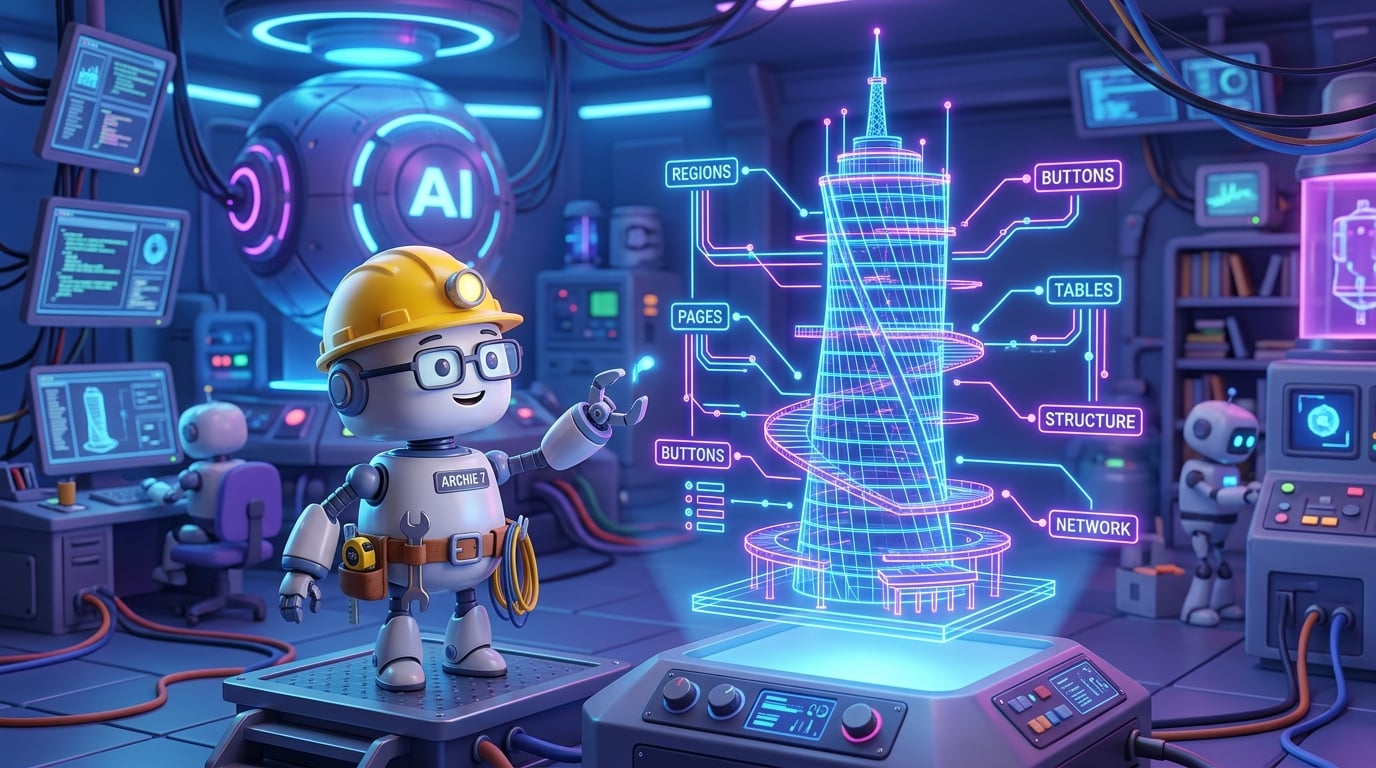
.apx): We deconstructed monolithic applications into clean, human-and-agent readable files.Built an AST Knowledge Graph: We mapped our pages, buttons, processes, and tables into a connected structural network.
Queried with Zero Waste: We used Graphify to extract only the exact 10-node subgraphs needed for any bug or feature.
Enforced Cleanroom Boundaries: We built 4 physical zones so living source, mirrors, staging, and scratchpads never collide.
Eliminated LLM Amnesia: We gave our agents persistent company memory with
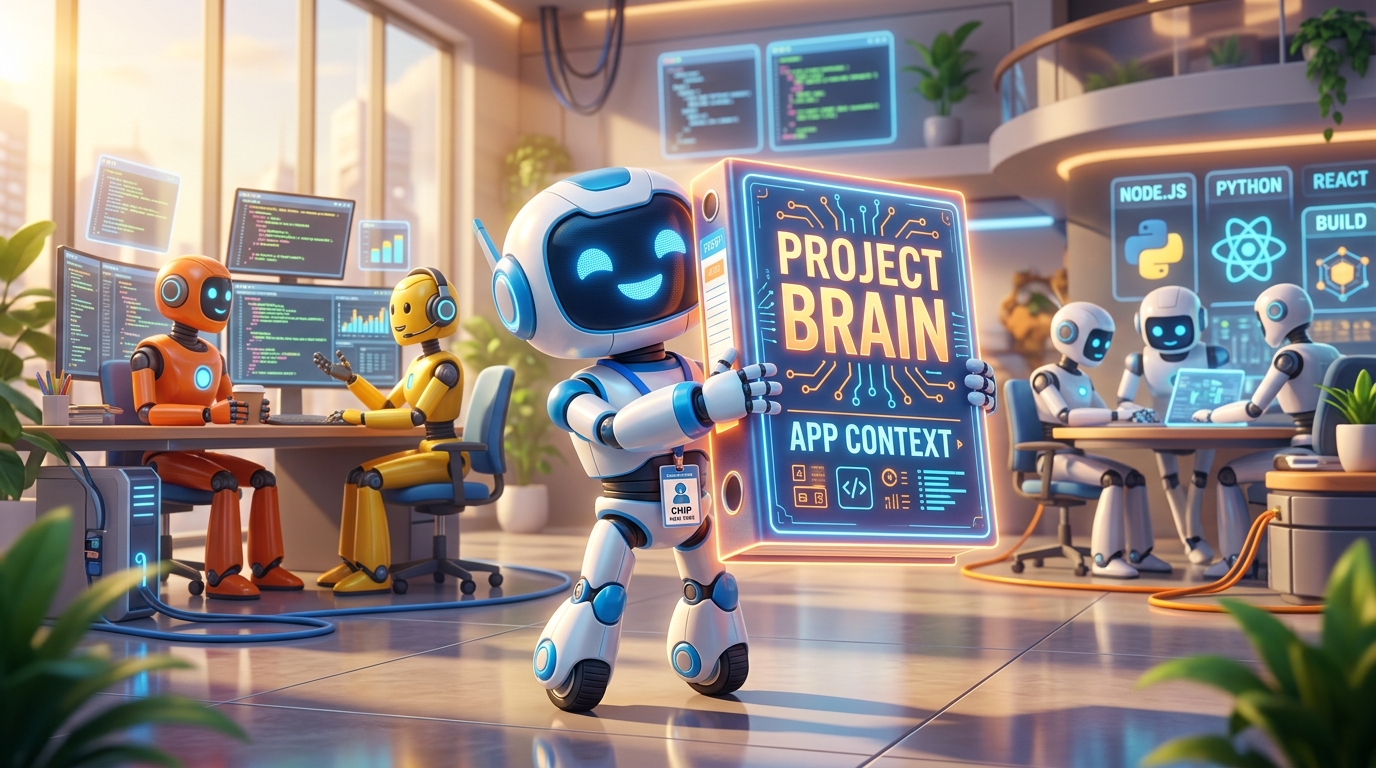
app_context/and the/initonboarding ritual.Guarded Deployments: We created submarine dual-key SQLcl assertion scripts to guarantee that deployments never touch the wrong database.
🛠️ Build It Yourself, or Jumpstart with the Template
Every technique and architecture discussed in this series is an open engineering principle. You can implement these patterns in your existing APEX workspaces, whether you use Git, Jenkins, GitLab CI, GitHub Actions, Cursor, or your favorite terminal tools.
However, if you want an off-the-shelf, battle-tested starting point where all seven pillars are already wired together, tested, and ready to roll:
👉 Check out the open-source APEX Project Template on GitHub!
Inside the template, you'll find:
Pre-configured 4-zone directory structure (
apps/,database/,ai_generate/,scratch/).Automated AST and Graphify extraction scripts (
setup_graphify_apx.py).Starter templates for
app_context/<app-id>/and the/initonboarding workflow.Role-isolated SQLcl connection configs and deployment assertion guards.
Whether you clone the template or incorporate its patterns into your existing projects, you are now equipped to build enterprise Oracle APEX applications faster, cleaner, and more reliably than ever before.
Happy coding, and welcome to the future of AI-augmented APEX development! 🚀✨